
Basic Storage Wiki › Guides › Automate Item Sorting with a Crate Station
Automate Item Sorting with a Crate Station
Understanding the 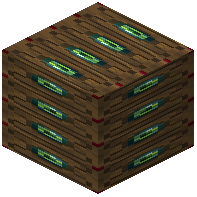 Crate Station
A Crate Station acts as a sorting hub for your storage network. Connect it to multiple Crates, and it automatically routes items into the correct 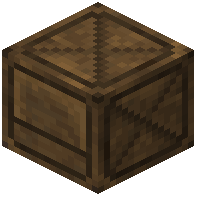 Crate based on item type.
Setting Up Your Network
Place a Crate Station near your Crates (they must be connected to form a network). Then:
- Right Click the Station while holding a stack to insert it into a matching Crate
- Shift + Right Click to insert all matching items from your inventory
The Station searches through all connected Crates and deposits items into the appropriate one instantly.
Scaling Your Storage
Connect as many Crates as you need to the Station. This creates a single unified storage network where you can deposit items once and they're automatically sorted. Perfect for mob farms, mining operations, or any system that produces multiple item types.