
Customizing Your World's Appearance with Add-on Packs
Selecting Add-ons for Your Playstyle
Ashen offers several add-on options that modify specific visual elements. The glowing ores add-on makes mining easier by highlighting ore blocks in dark caves—useful if you prioritize exploration efficiency. The clean 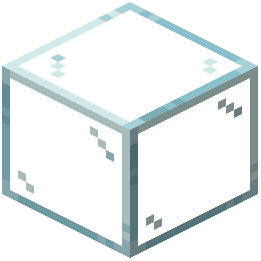 glass add-on simplifies glass textures for players building modern structures within a medieval world. The autumn forest add-on recolors all leaves to orange and red tones, creating a perpetual fall aesthetic.
Applying Multiple Add-ons Together
You can combine add-ons to create your ideal visual experience. For example, pair the autumn forest add-on with the blocky leaves add-on to get colorful fall foliage with standard cube shapes. Mix the clean glass add-on with glowing ores if you want modern architectural elements alongside enhanced mining visibility.
Customizing Text Style
The pack offers a separate custom text style download that matches the medieval theme. Apply this alongside your chosen add-ons to create a fully cohesive experience where even UI elements reinforce the fantasy aesthetic.
Test different combinations in creative mode before committing to a survival world to find the setup that best matches your vision.