

 DownloadTetra
Get the files on 9Minecraft
To begin your journey with Tetra, you must first create a basic setup. The mod does not use a standard  crafting table for its modular upgrades.
1. Crafting a Mallet
First, craft a basic wooden mallet using two sticks and two planks (arranged like a hammer). This is your primary tool for interacting with Tetra's mechanics.
2. The Workbench
Place a vanilla Crafting Table on the ground and right-click it with your Mallet. This will transform the table into a Tetra 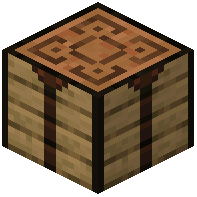 Workbench. This block is where all modular modifications take place.
3. The Holosphere
Craft a  Holosphere using a stick and a piece of iron (or find one in a chest). The Holosphere acts as the in-game guide. By holding it, you can view available modules, material stats, and progress through the mod's various tiers.


