Trail Specific Settings
These are the settings in the "Your Trails" or the "Other's Trails" sections.
The "Your Trails" settings apply to your trails, and will be sent to other clients if the server has the mod/plugin. If the server doesn't have the mod, the other clients will see your trails as their "Other's Trails" setting.
These are what I would consider the "regular" trail specific settings. There are many more options to configure, but those are in the Advanced Trail Specific Settings section!
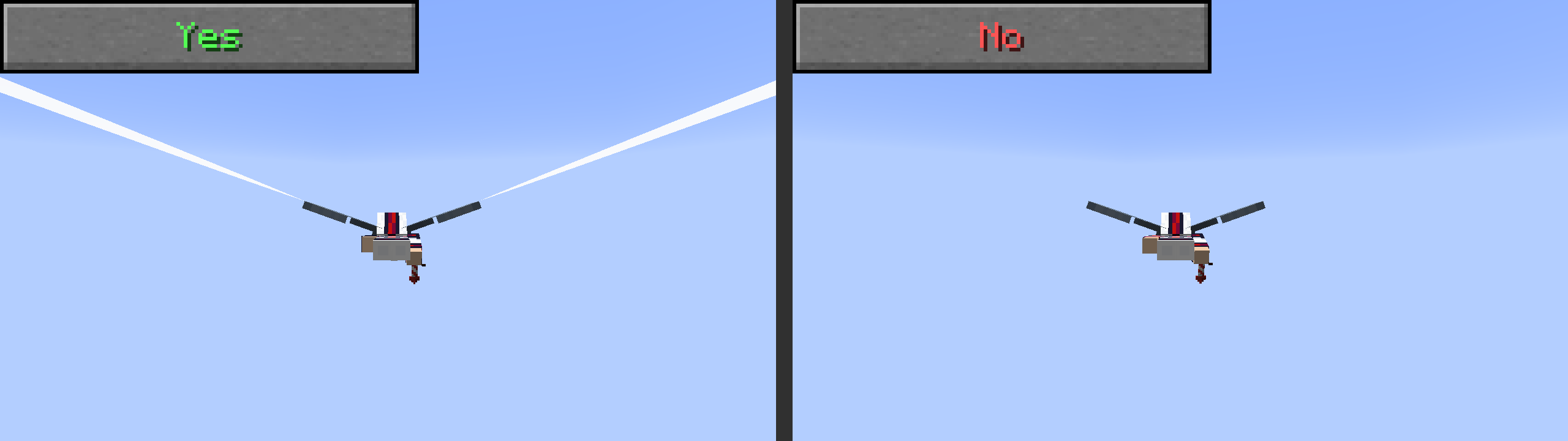
Name in preset/config: "enableTrail", Default Value: true
This setting toggles YOUR trail specifically, unlike the one in general settings which disables all trails.
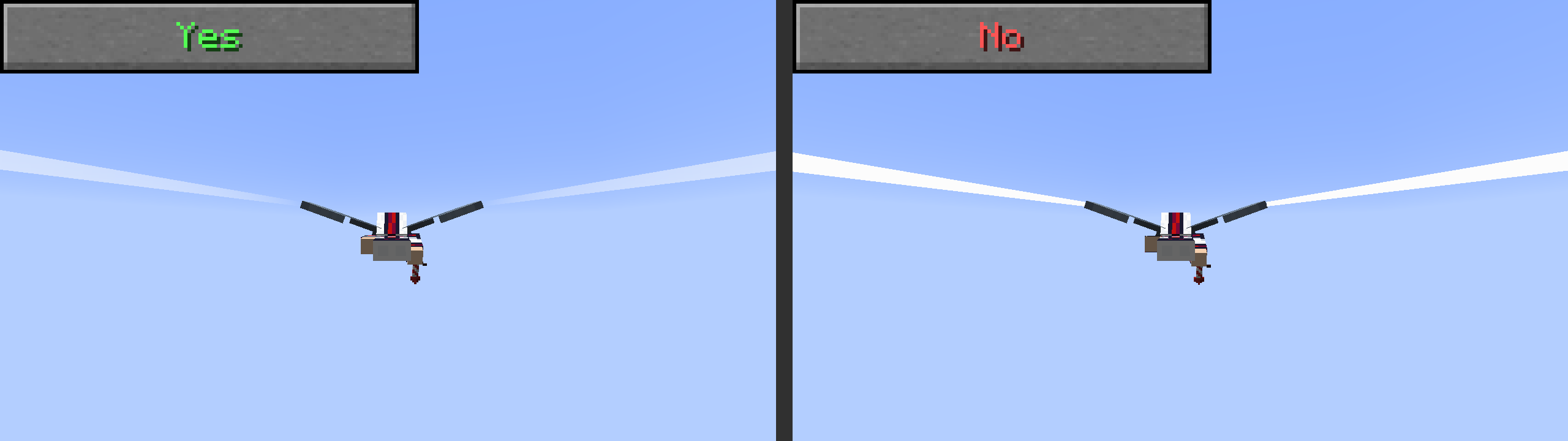
Name in preset/config: "translucentTrails", Default Value: true
This settings determines whether or not your trails can have transparency. If trails look weird with shaders, try turning this off! Image below is using the "actionsandstuff" preset to show this more clearly.
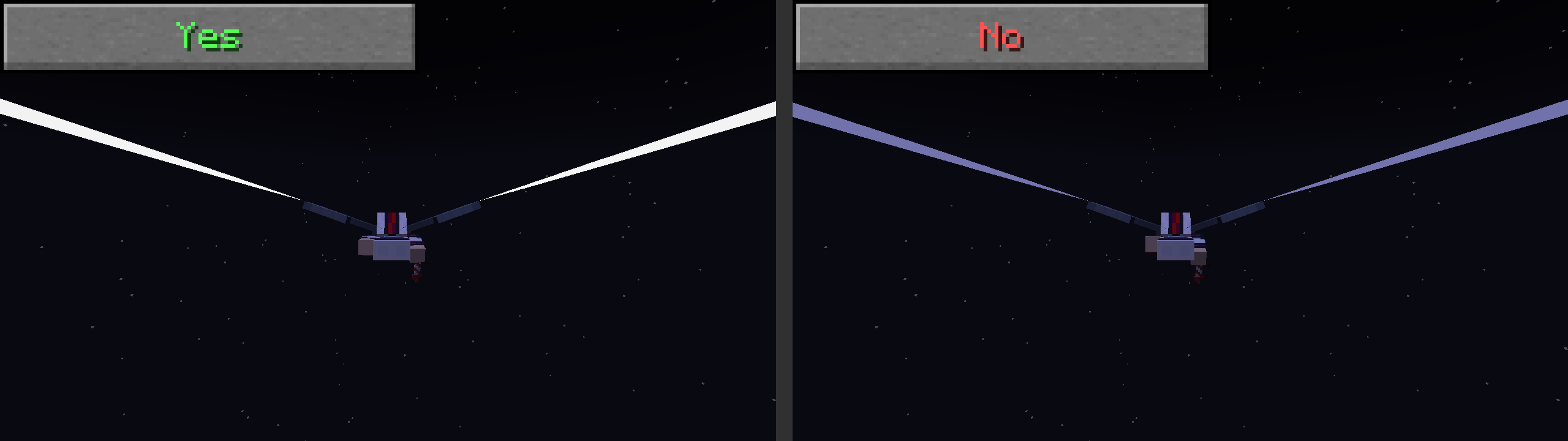
Name in preset/config: "glowingTrails", Default Value: false
Whether or not your trails glow. Turn this ON if you are lagging, because this makes the trail render skip the lightmap calculations, which is the laggiest part of trail rendering!
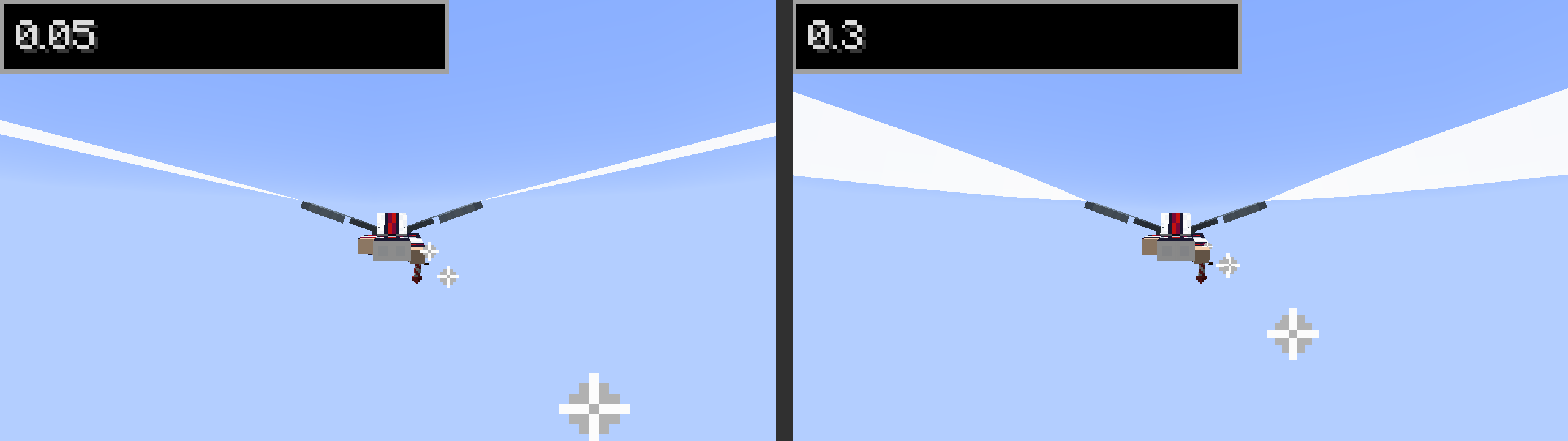
Name in preset/config: "maxWidth", Default Value: 0.05
The width of the trail at its "maximum" width in blocks. (not counting other width-changing effects)
Name in preset/config: "enableRandomWidth", Default Value: false
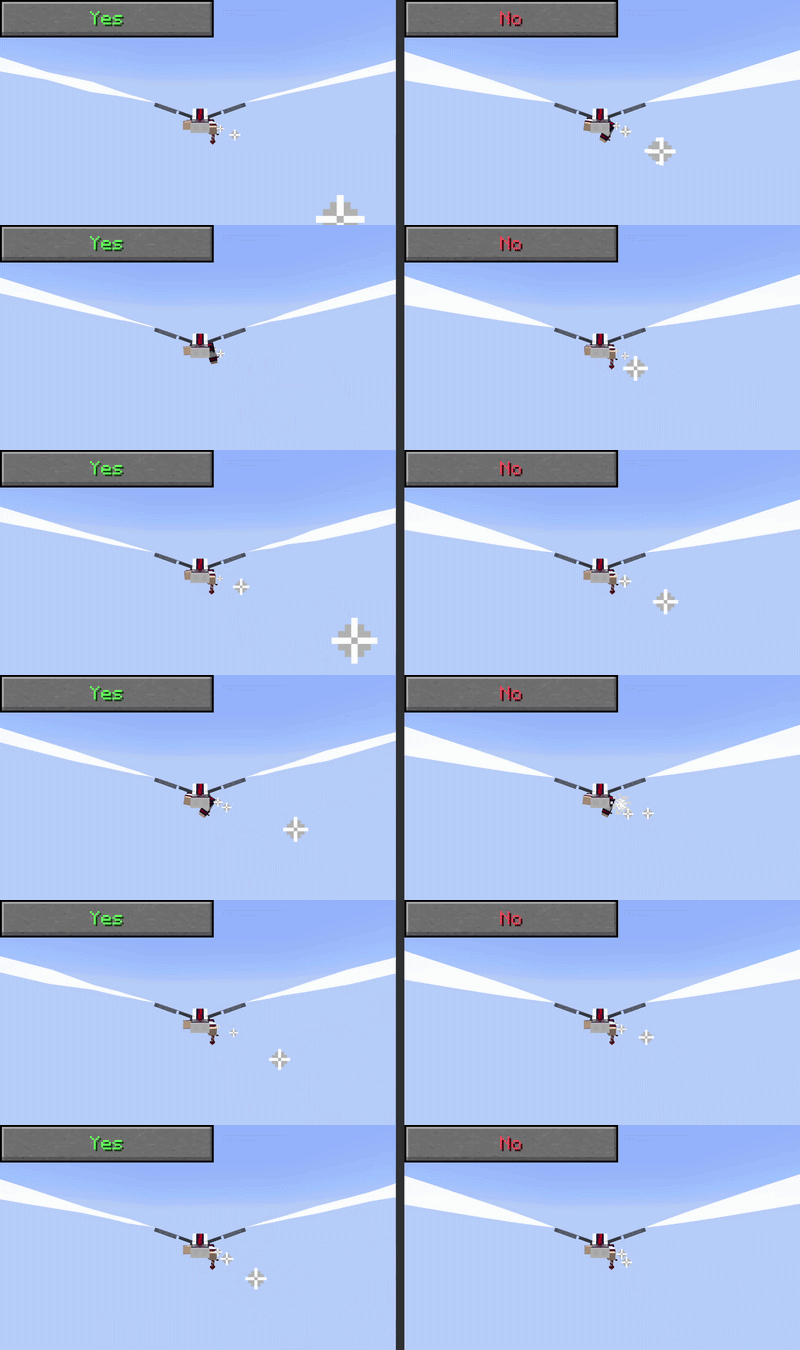
Determines whether the trail should variate its width based on perlin noise (seeded by position). The way this is coded makes it make the trail width slightly smaller. The gif below shows what it looks like with width 0.2
Name in preset/config: "trailLifetime", Default Value: 2.5
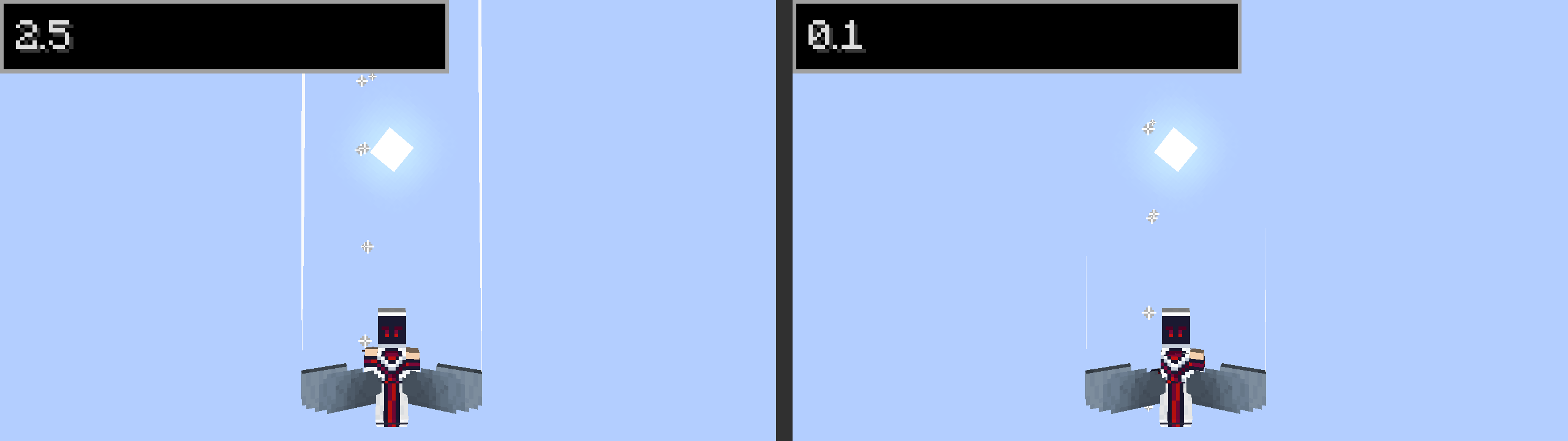
How long a trail point should exist for before disappearing. Value is in seconds
Name in preset/config: "speedDependentTrail", Default Value: true
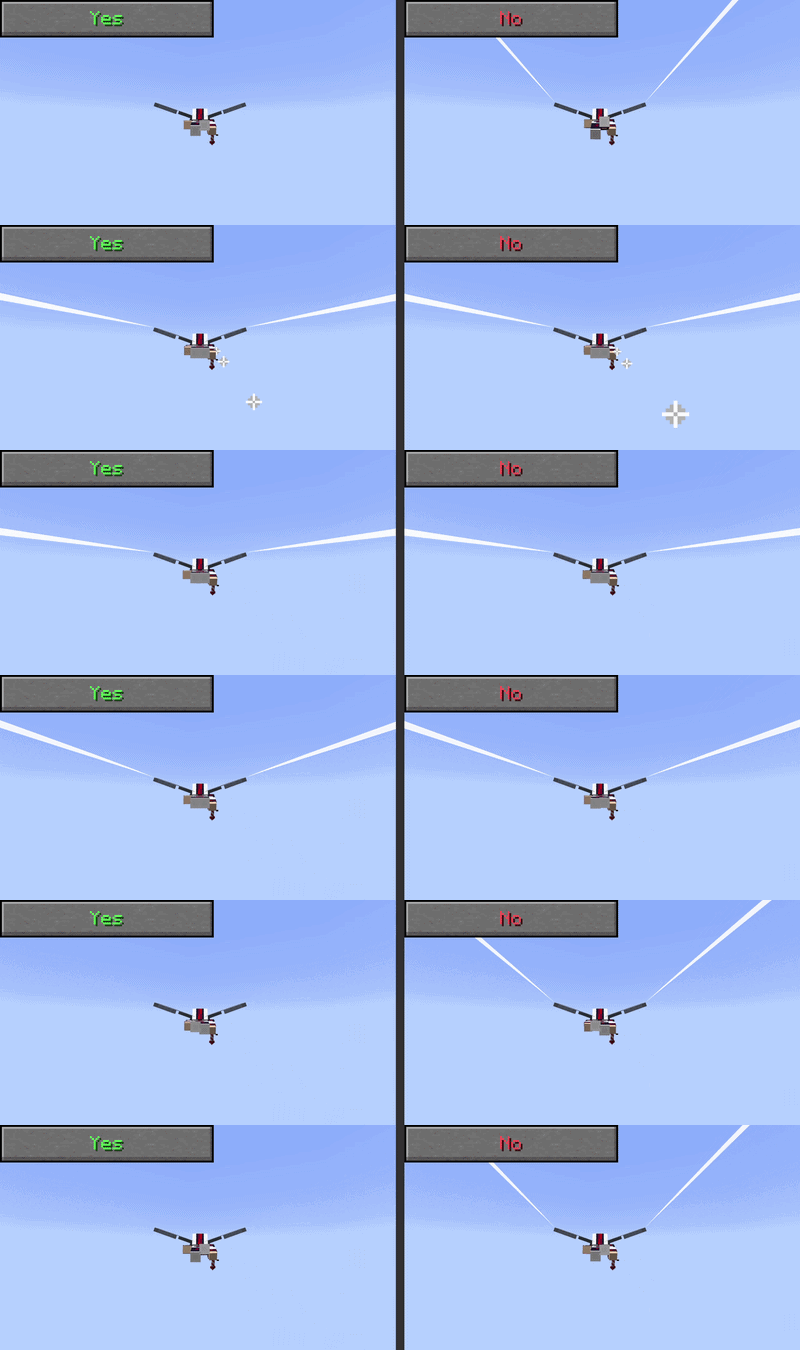
Determines whether the trail should only activate when the player is moving over a certain speed. This speed is defined in the "Minimum Speed For Trail" setting.
Name in preset/config: "trailMinSpeed", Default Value: 0.8
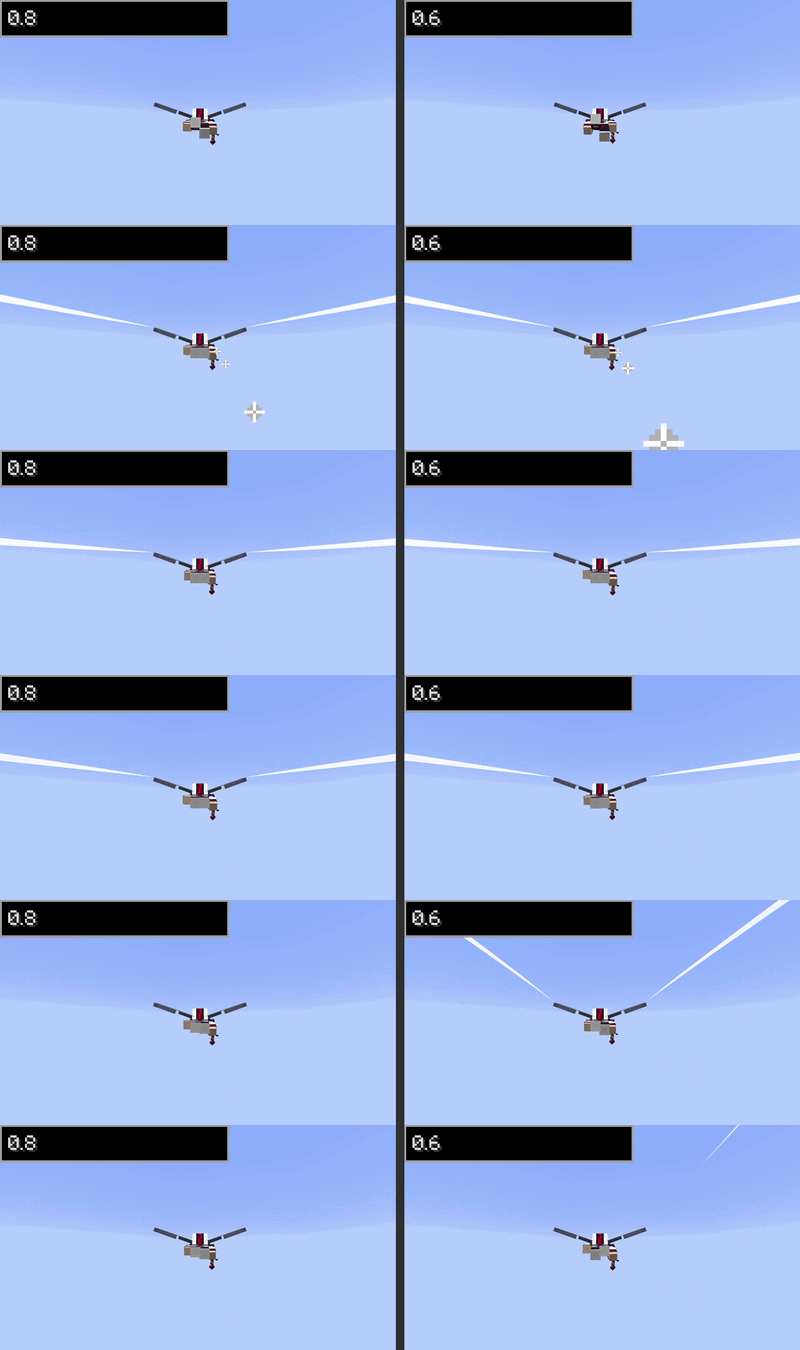
What the minimum speed for trails to appear when "Speed Dependent Trails" is turned on.
Name in preset/config: "prideTrail", Default Value: ""
Looks for a texture in assets/elytratrails/textures/trails. If a texture is set for the right trail, then this option only applies tot he left trail. built-in textures are:
CLICK TO SEE FULL LIST OF BUILT IN TEXTURES
- abrosexual
- agender
- aroace
- aromantic
- asexual
- bigender
- bisexual
- demiboy
- demigender
- demigirl
- gay
- genderfluid
- hide
- intersex
- lesbian
- neptunic
- nonbinary
- omnisexual
- pansexual
- polysexual
- rainbow
- trail (default)
- transgender
- unpleasant
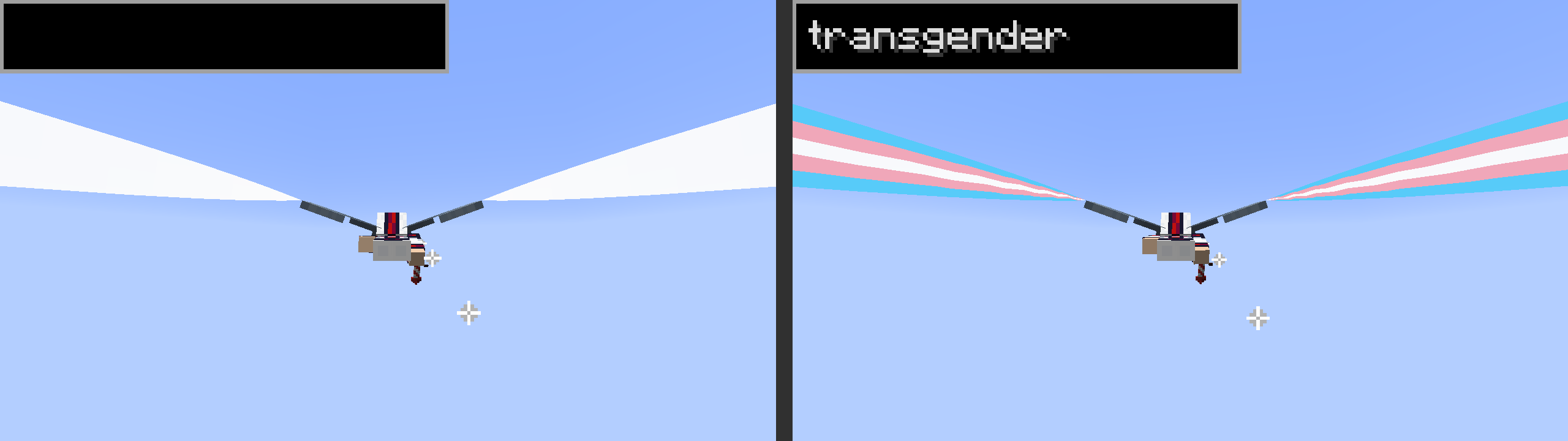
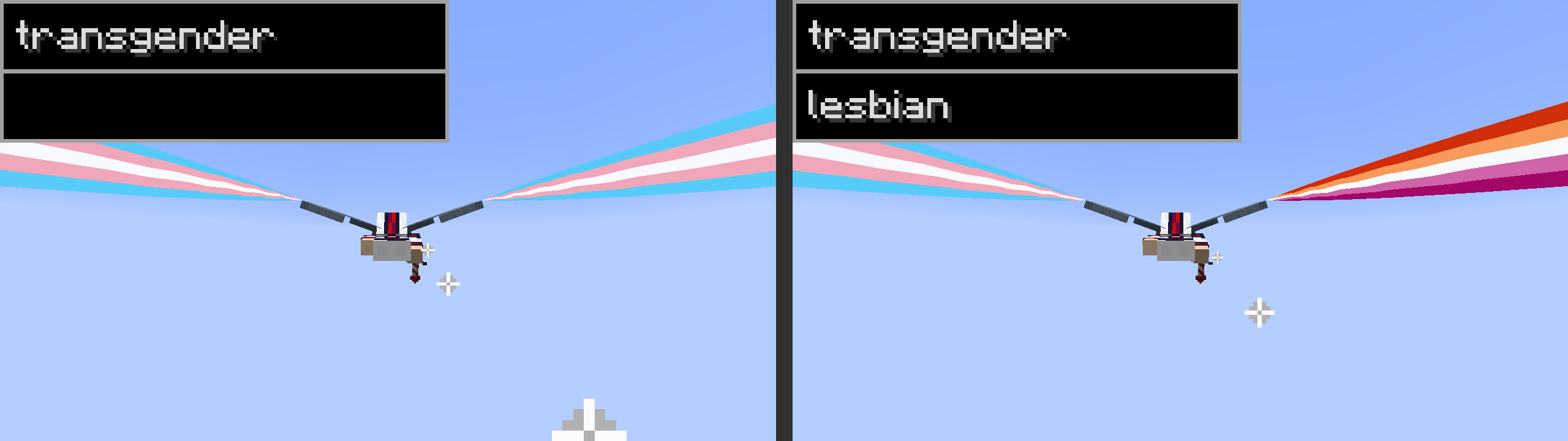
Name in preset/config: "prideTrailRight", Default Value: ""
Looks for a texture in assets/elytratrails/textures/trails to use for specifically the right trail.
Example below uses "transgender" as the prideTrail value.
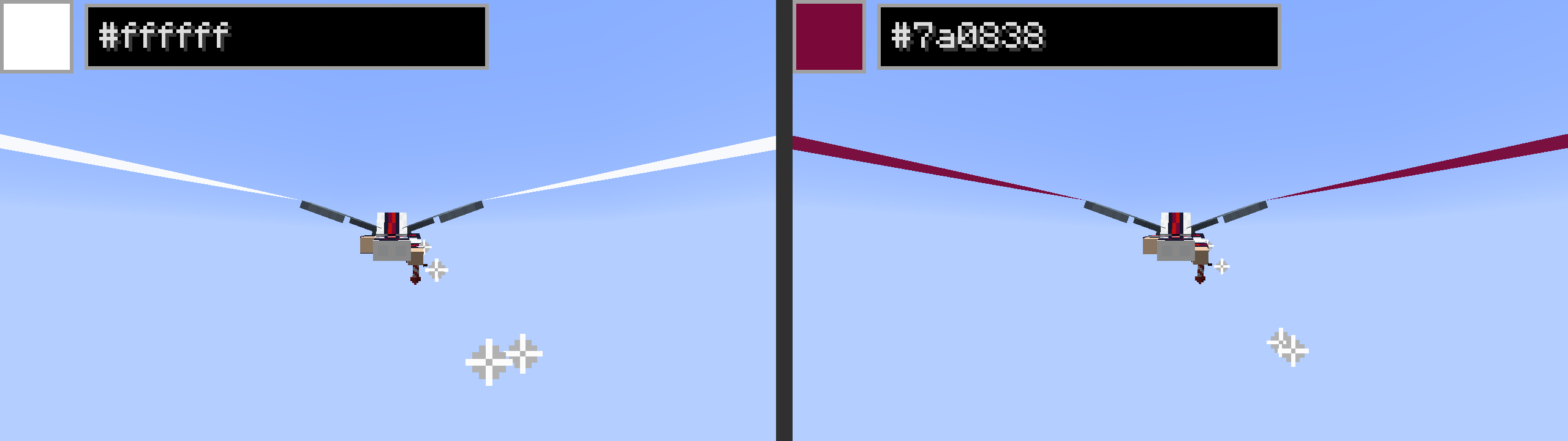
Name in preset/config: "color", Default Value: -1 (parsed as "#FFFFFFFF". Alpha is included in this stored value!!)
Color of the trail in hex. if "Use Same Color for Both Sides" is off, then this only applied to the left trail.
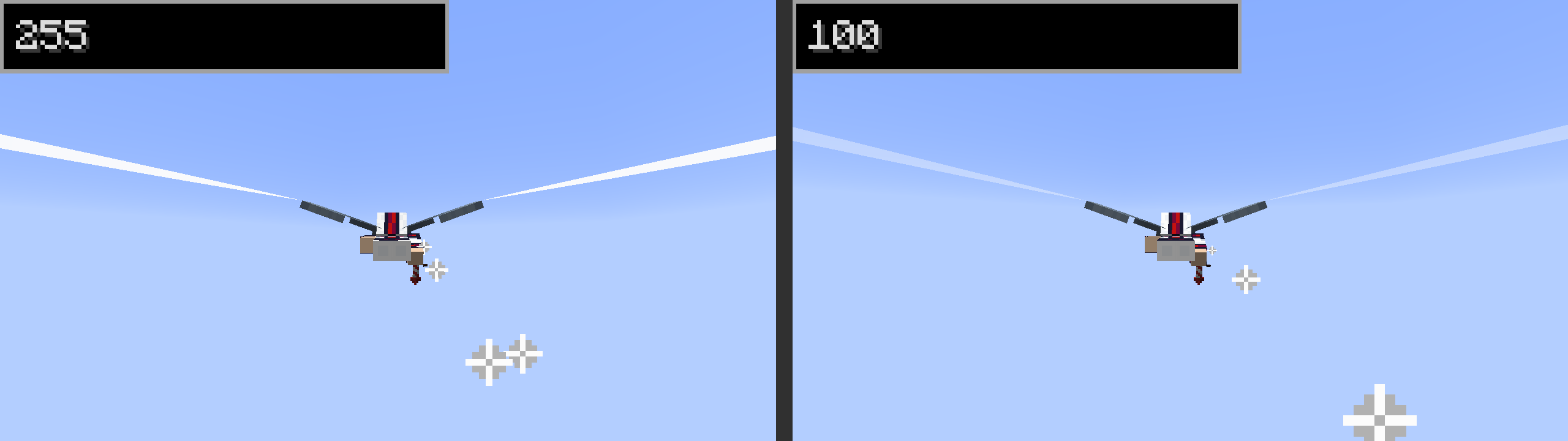
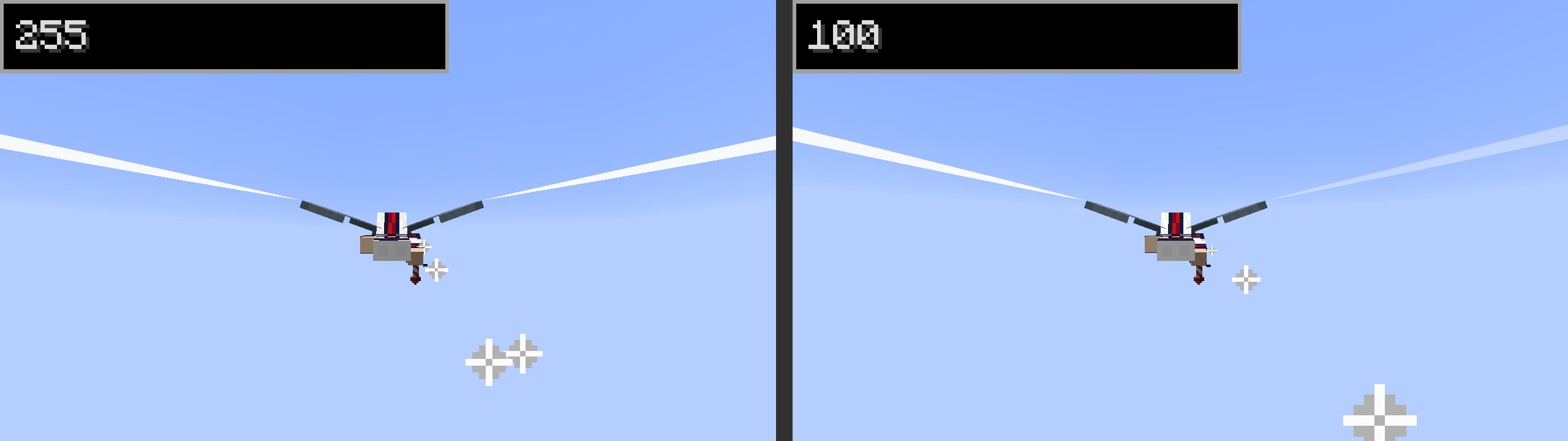
Name in preset/config: SEE ABOVE, alpha is internally stored with color. Default is 255
Alpha value of trail from 0 (invisible) to 255 (opaque). if "Use Same Color for Both Sides" is off, then this only applied to the left trail.
Name in preset/config: "useColorBoth", Default Value: false
This option toggles the following two, allowing for the right trail to have a different color than the left trail.
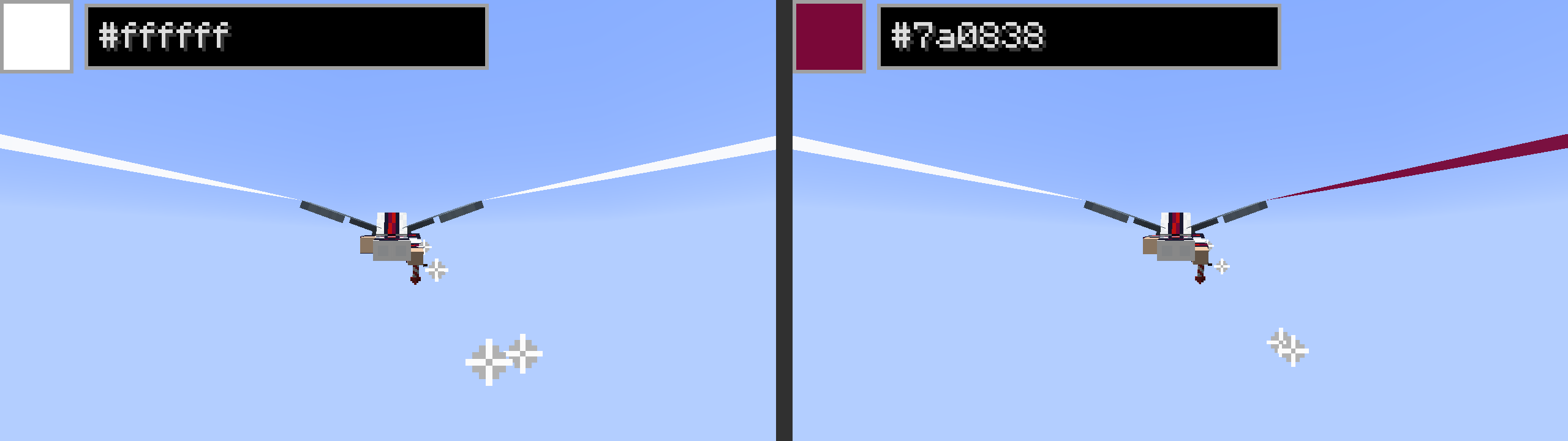
Name in preset/config: "colorRight", Default Value: -1 (parsed as "#FFFFFFFF". Alpha is included in this stored value!!)
Color of the right trail in hex. ONLY WORKS IF "Use Same Color for Both Sides" IS TURNED OFF!
Name in preset/config: SEE ABOVE, alpha is internally stored with color. Default is 255
Alpha value of the right trail from 0 (invisible) to 255 (opaque). ONLY WORKS IF "Use Same Color for Both Sides" IS TURNED OFF!
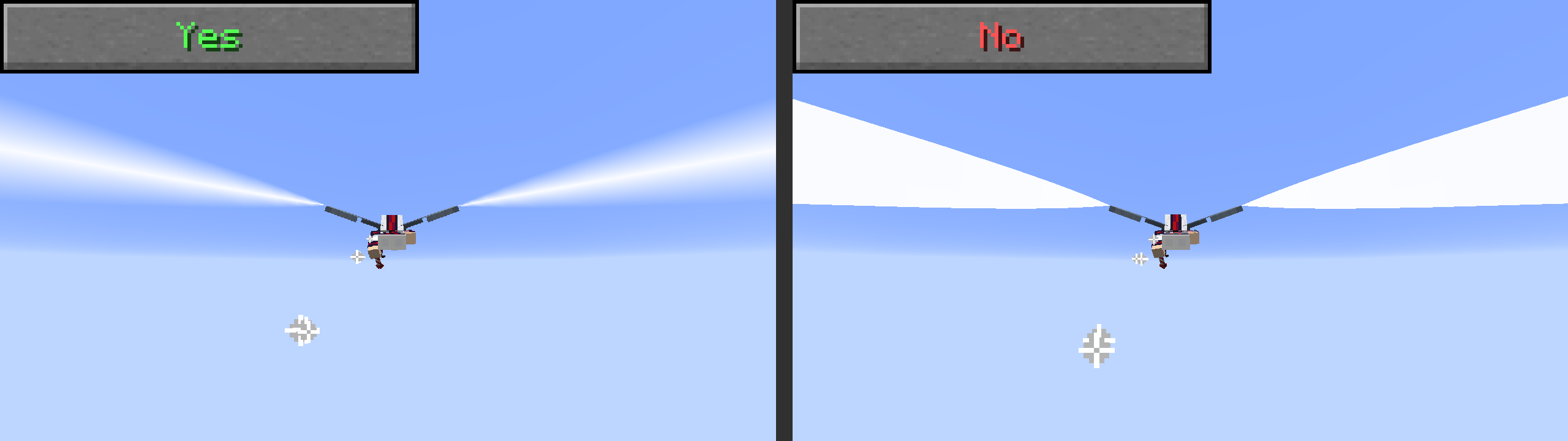
Name in preset/config: "edgeFade", Default Value: false
When turned on, the edges of the trail (top and bottom) will fade to give it a more realistic feel. Inspired by the KerbalFX mod for KSP!
For advances settings go to the Advanced Trail Specific Settings section!