General Settings
General settings are options that apply to everyone's trails on your screen (as well as some other mod-specific stuff) These settings will not be sent to other players online.
Some settings below have pictures attached to explain them, but some don't.
This option is self explanatory. If turned on, trails will render/sample
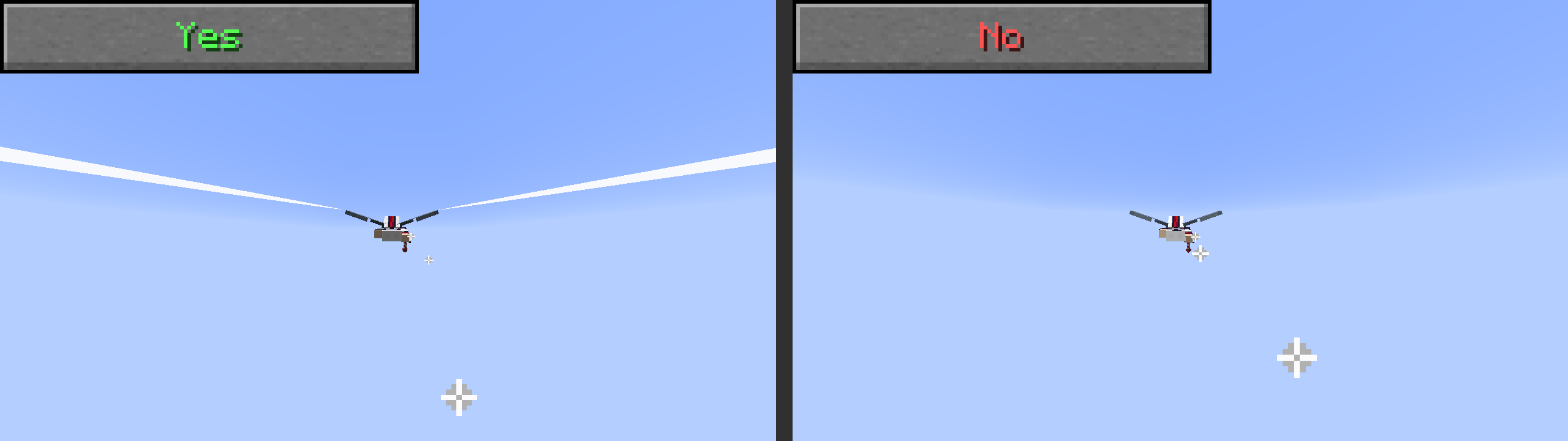
This option stores which emitter the trail came from, and tries to snap the first point to the position of that emitter. What this means in practice is that if this option is off, the front of the trail will jitter in proportion to your sample rate. if this option is on, it will always snap to the emitter it came from. This can look strange in sample rates below 20 per second.
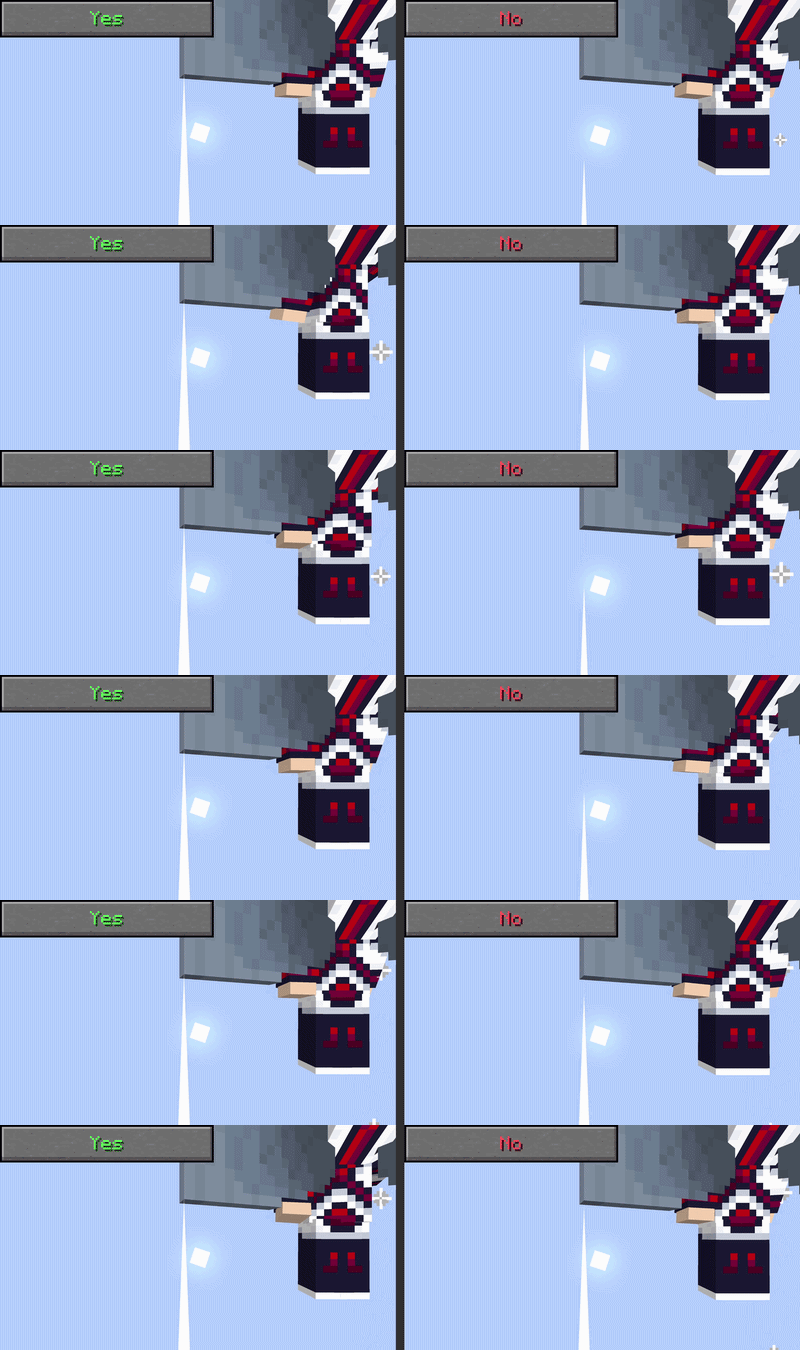
If this option is turned on, it will look for the left/right wings of the Fresh Animations Player resource pack, and then move the trail spawners accordingly. This option will be removed if FreshLX adds support for this mod
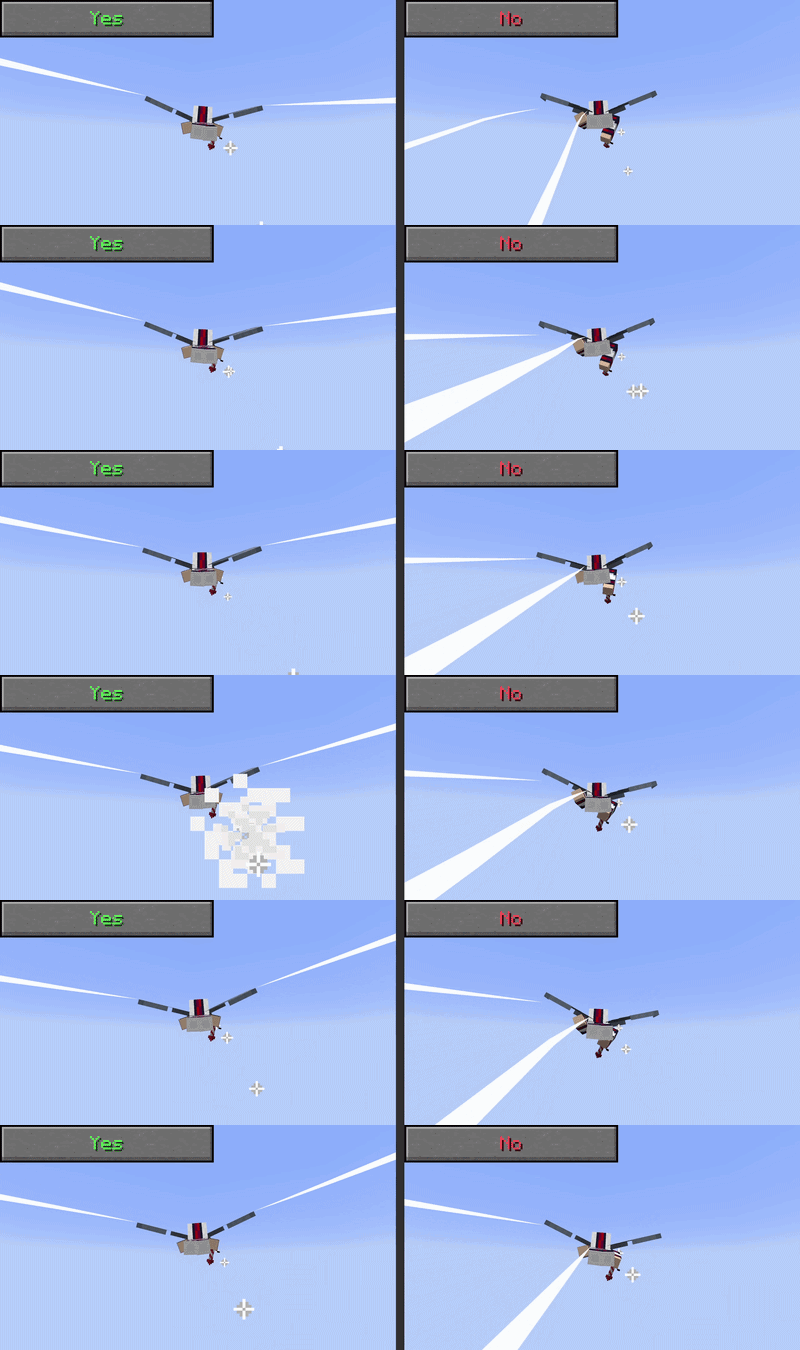
This tries to fade trails that are too close to the camera, but with low sample rates it can get flickery, so it is off by default.
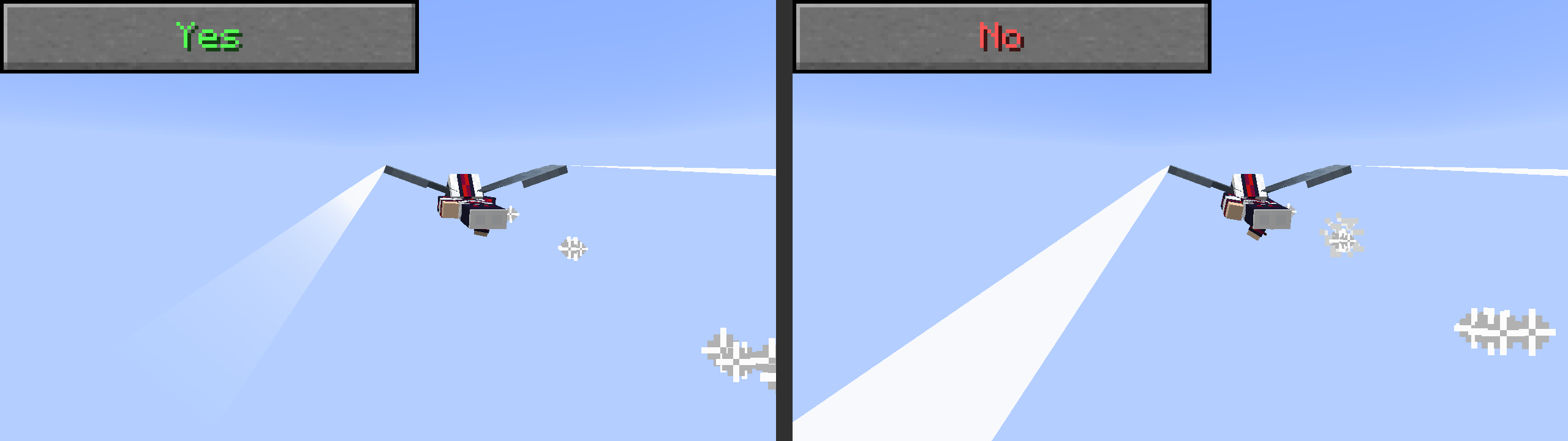
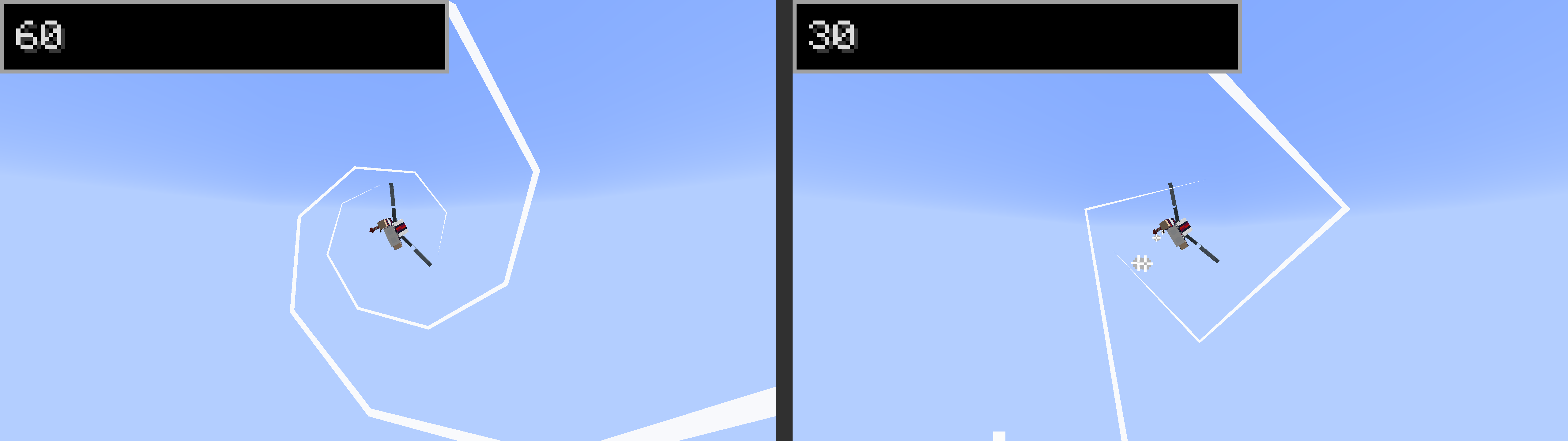
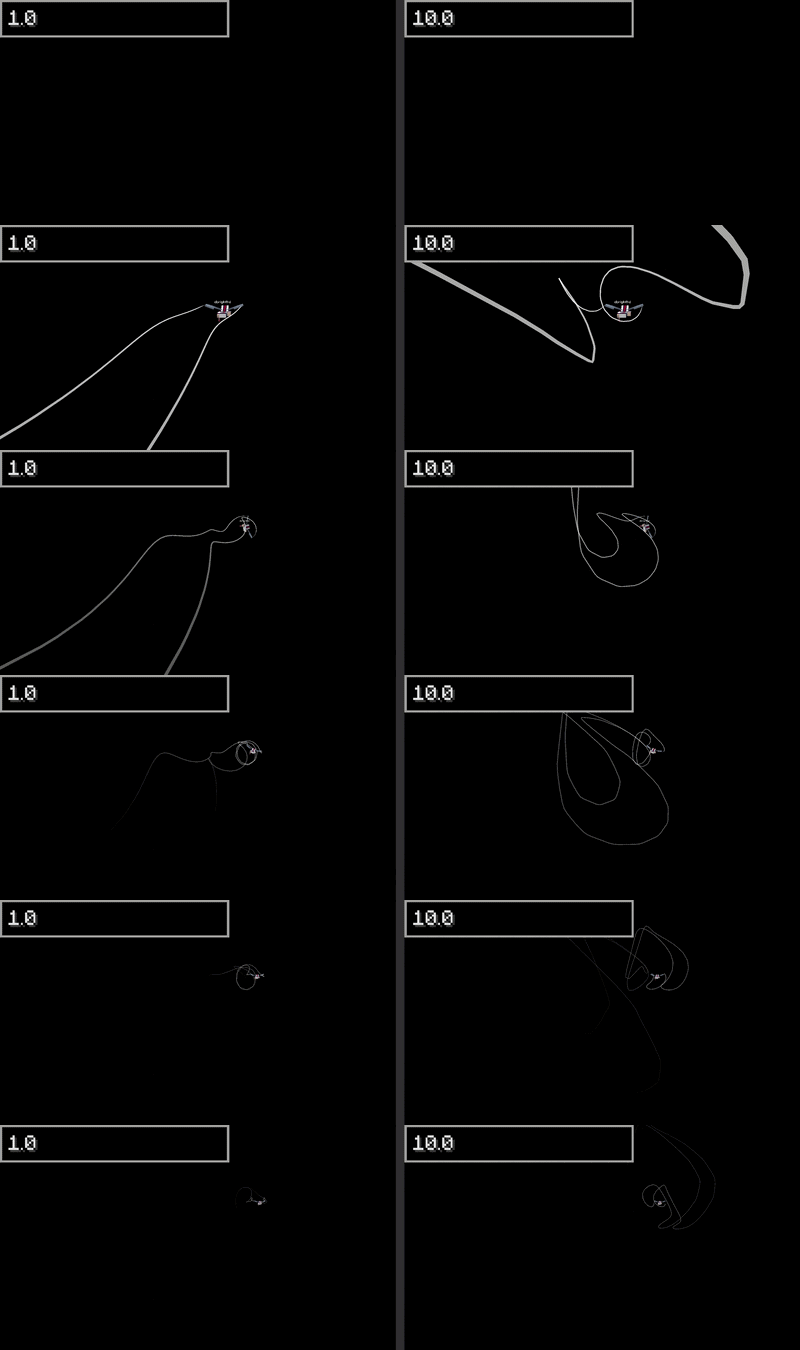
this determines the max quality of the trail, and how often a new wingtip point is added to the trail point. This is in times per second (Hz???) Can't sample faster than your framerate. To see performance benefits of turning this lower, it is good to turn off "Trail Spline Smoothing" as well.
Note: "Trail Spline Smoothing" is turned off for the sake of demonstrating sample rate better
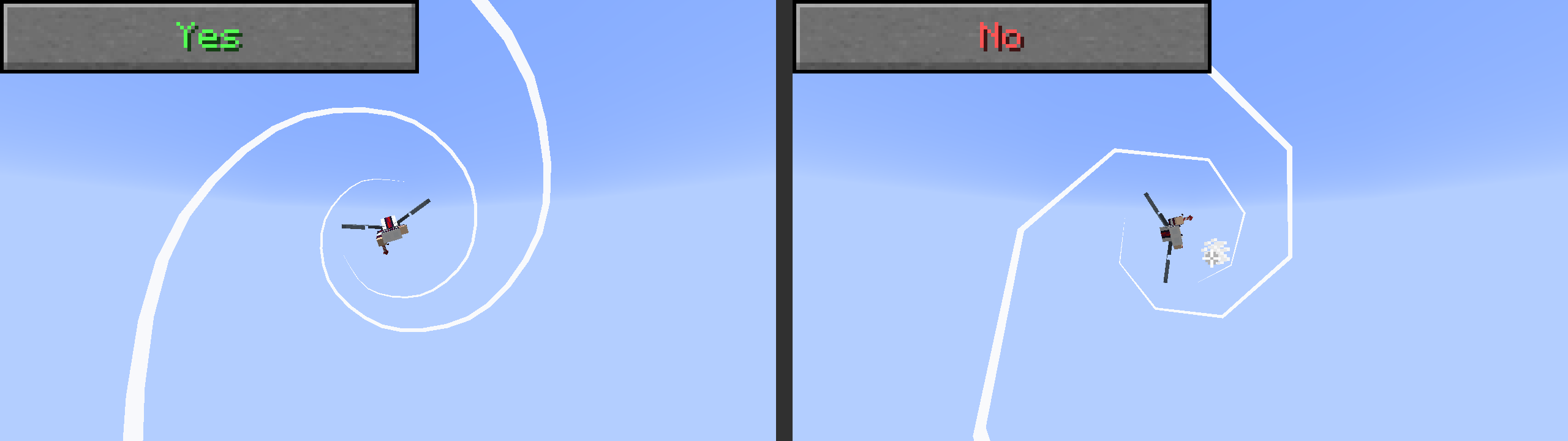
Makes the trails look smoother using Catmull-Rom Splines. This is here so that when you turn fast or twirl, the trail doesn't look choppy (without needing to sample much more often). The downside is that it will also smooth out low-sample rate trails, meaning if you turn that down for performance reasons it will still render a lot of faces.
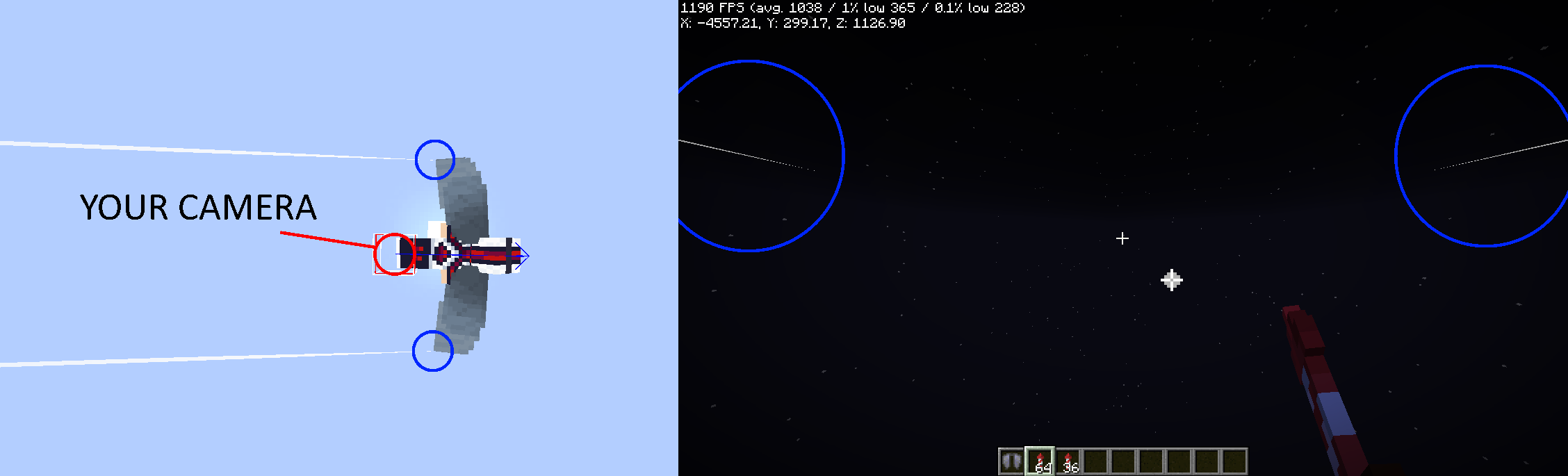
this makes the first person trail delay a bit before showing up/fading in. The way the camera works in Minecraft while elytra flying is that your camera is actually where your feet are?? so because of this, at higher FOVs it was possible to see your own trail in front of you, which was very annoying. This option exists to mitigate that
This changes the time it take for the trails to fade in when in first person defaults to 0.2 seconds
This makes all trails be affected by "wind". This works by using perlin noise and converting it to an angle in 3d space. This can be quite laggy if there are a lot of trails, so be careful!

The "scale" of the perlin noise mentioned above. Larger values will make the noise much more noisy, smaller will make it smoother.
REQUIRES
"Wind Dispersion"to betrue
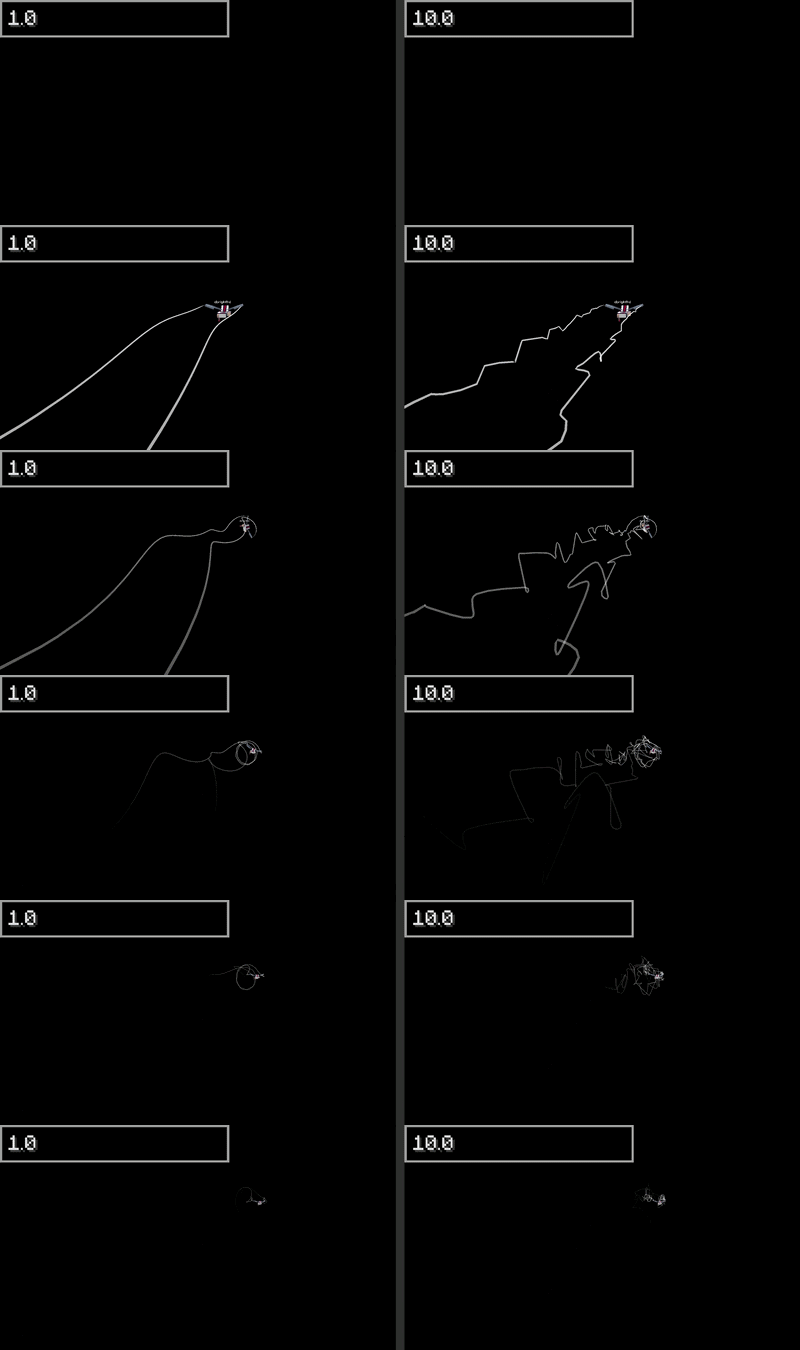
Speed at which wind should push trails.
REQUIRES
"Wind Dispersion"to betrue
if set to "CLEAR", will clear all trails.
You can also just do the /elytratrails clear client command