Debug Settings
Settings that the typical user shouldn't need to touch, but are here just in case.
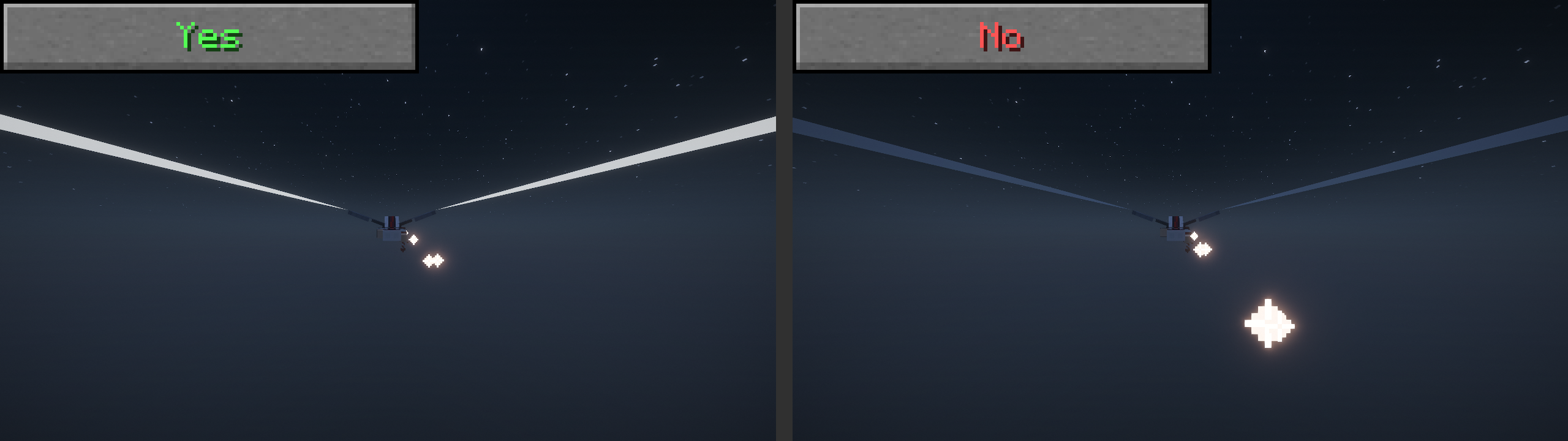
If this is on, resource packs can override the settings of your elytra's trails. If you want to ignore that and keep your own settings, turn this off.
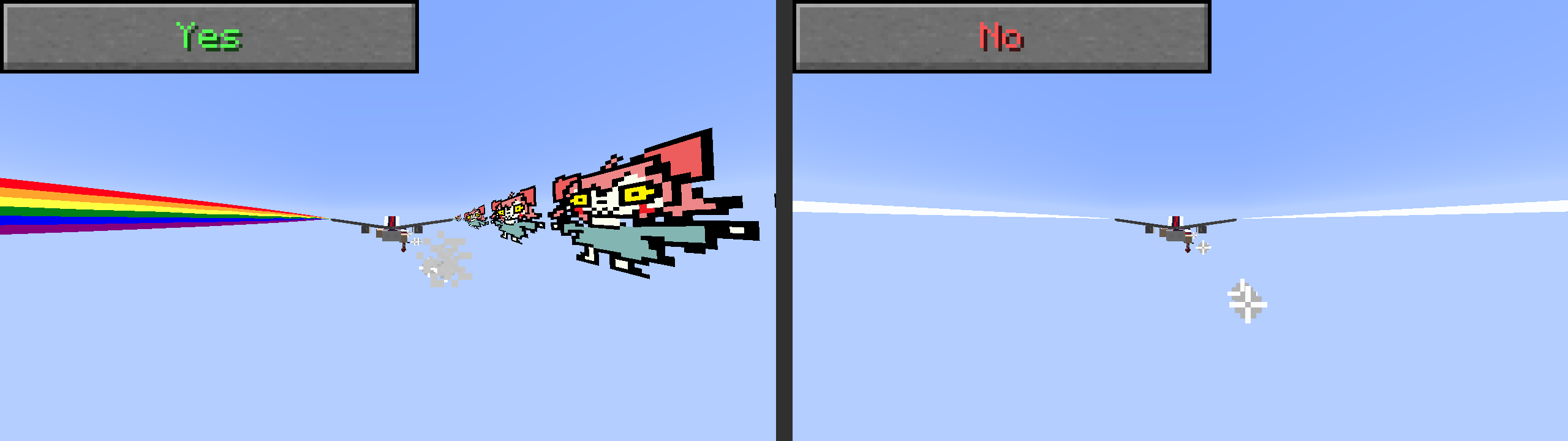
Looks for custom emitters in EMF models, and animates them properly (or animates the vanilla elytra if there are no emitters). Turn this off to assume vanilla elytra
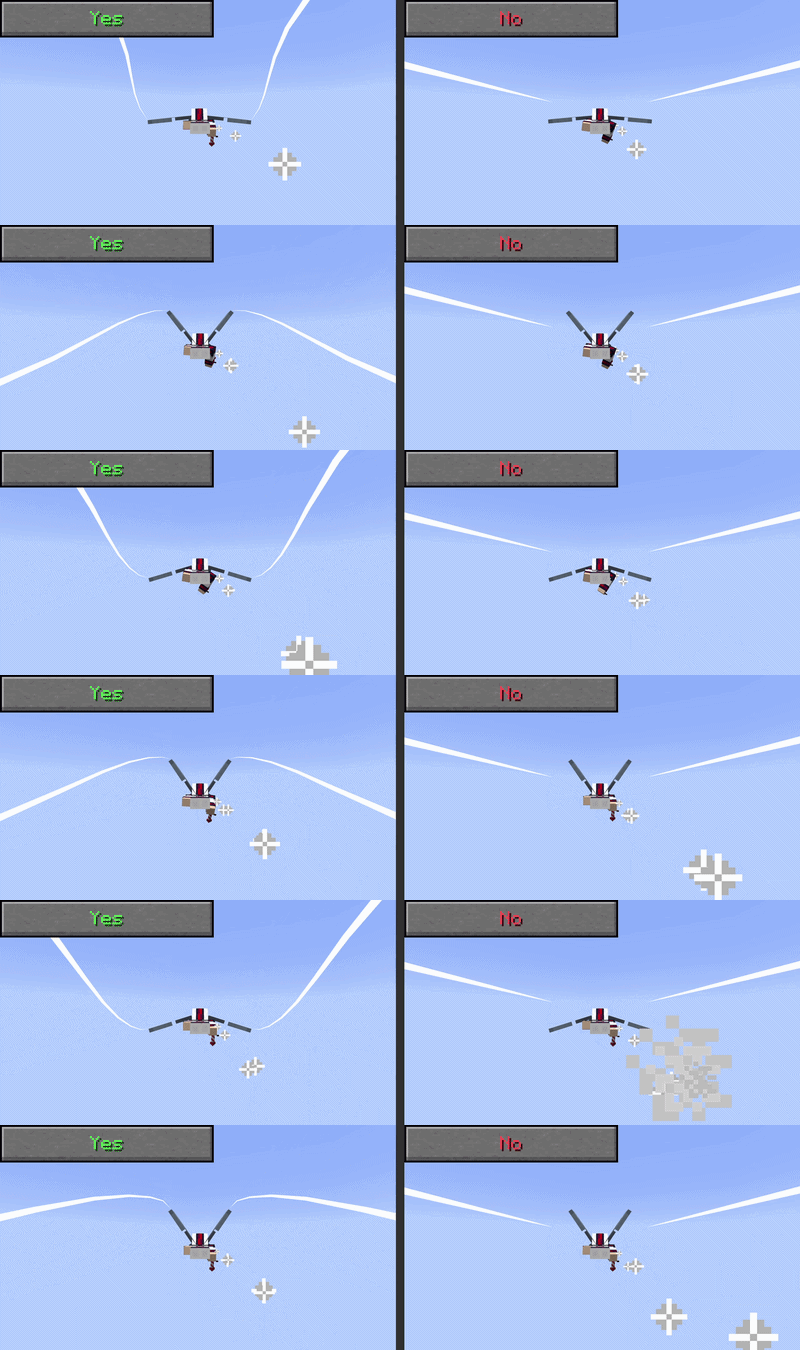
Allows packs to define custom trail emitters in any entity. This can be laggy, so I gave players the option to turn it off

If there is a JSON defined for an entity trail but there is no corresponding EMF model/spawner defined (or if EMF isn't installed to begin with), try to put a trail there anyway.
Packs can use this functionality to define one trail per entity without needing EMF, and they can specify an "offset" from the model's center to spawn the trail from (Used in the built in arrow and allay packs!)
This logs trail creation and deletion. For the most part keep this off (as it causes logspam and potentially extra lag) unless I ask you to turn it on to debug something

A lot of shader packs don't like it when I try to render translucent trails, but are okay with them if they are glowing. this option exists if people want the non-glowing translucent trails anyway. (Non-translucent non-glowing trails still work) (Except maybe wireframe)