Packing Tape Mod — Guide
Mechanics
The mod operates through a simple four-step process: Craft, Pack, Move, and Unpack.
1. Packing a Block
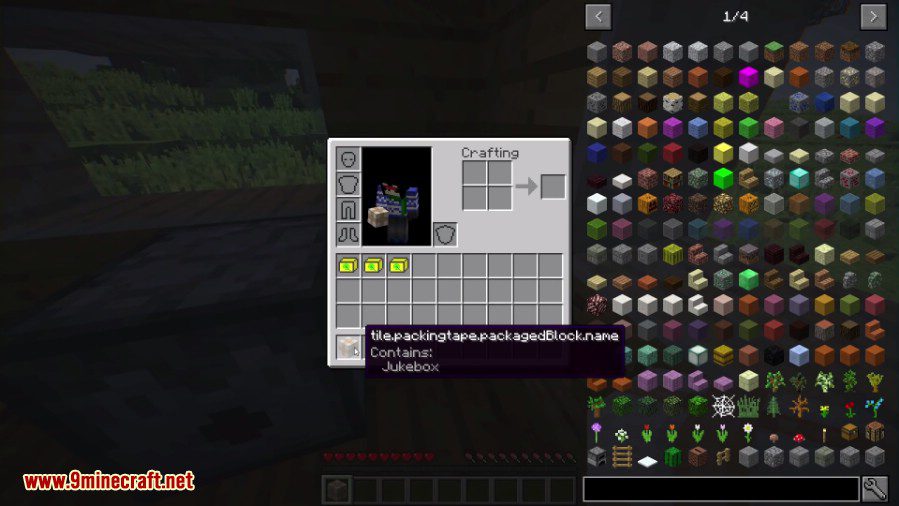
To pack a block (such as a Chest, Furnace, or Modded Machine), right-click the block while holding the Packing Tape. * Requirement: In some versions, you must have additional Paper in your inventory to successfully wrap the block. * Result: The block will visually change into a Packed Block.
2. Moving the Block
Once the block is wrapped, mine it. The resulting item in your inventory will retain all the contents of the original block. You can carry multiple packed chests or machines, effectively expanding your mobile storage capacity.
3. Unpacking
Place the Packed Block at its new destination. Right-click the Packed Block to remove the tape. The original block will reappear exactly as it was before being packed.
4. Rotation Control
By default, the mod may attempt to rotate the block based on your orientation when unpacking. To disable this and maintain the original rotation, Sneak while right-clicking to unpack.